How to contact support
Email [email protected] from the address you used at checkout. Put your order ID in the subject line when possible — it matches your license in our system faster than a username alone.
Describe what you expected versus what happened. One paragraph is enough if you include the step that failed (activation, loader, in-game menu, or crash).
We answer setup, delivery, and billing questions for active customers. We do not configure cheats for you remotely; we point you to the right doc or build.
- Order ID or checkout receipt
- Windows version (10 or 11)
- How you installed Overwatch 2 (Steam or Battle.net)
- Screenshots only if they show the error text
What to include by issue type
License not received: wait for the delivery window in license delivery FAQ, check spam, then email with payment confirmation — no key in the body of public forums.
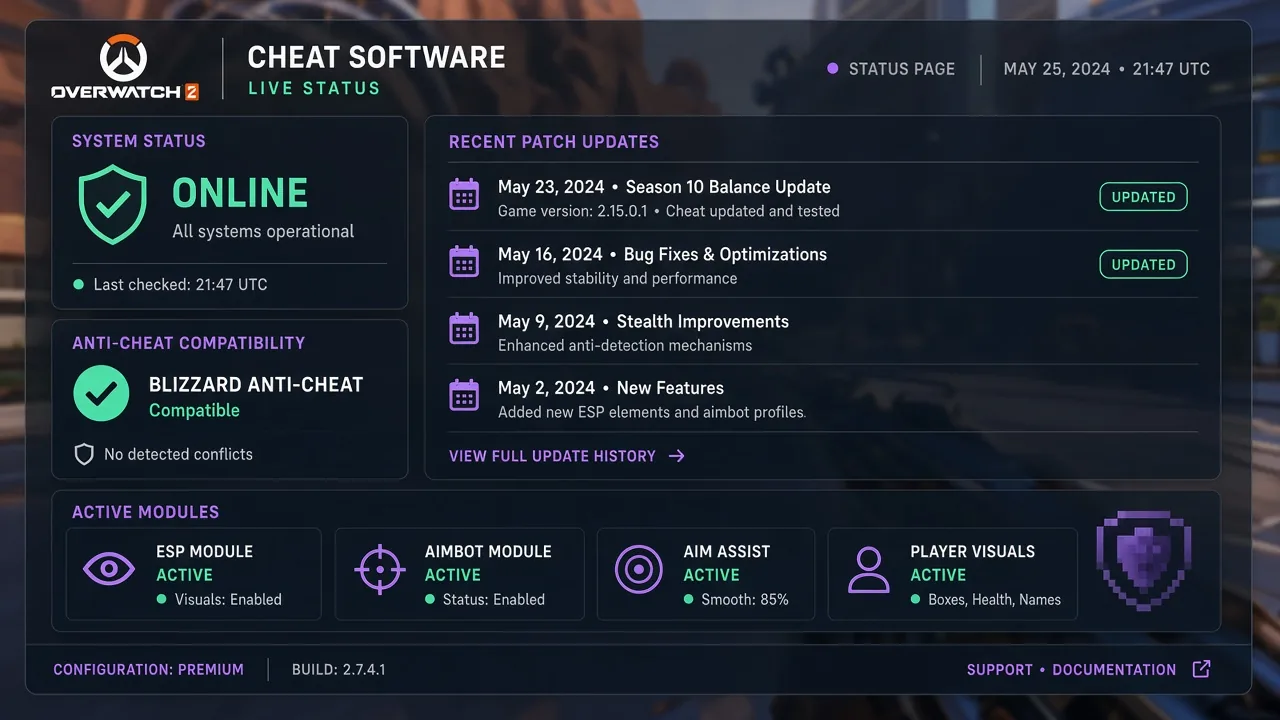
Loader or activation errors: say whether you run as admin, paste the exact error string, and confirm you read Status after the last Overwatch 2 patch.
In-game menu or overlay problems: list which modules you enabled (ESP, aimbot, hero scripts) and whether a custom game works but Quick Play does not.
Self-serve resources (faster than email)
Most tickets are solved without a reply. Walk through the setup guide line by line, then open the FAQ hub for delivery, refunds, and patch checks.
Module questions belong on the ESP, aimbot, and features pages. Buying or renewing? Use the store and read the refund policy first.
After Blizzard Anti-Cheat or seasonal updates, read where to check updates and wait for a green Status note before you assume the loader is broken.
Response expectations and product help
Reply times depend on queue volume and time zone. Include complete details in the first email to avoid back-and-forth.
We cannot guarantee account outcomes in Overwatch 2 — cheats carry risk. Support focuses on license, loader, and documented features.
Not a customer yet? Read the product overview and buyers guide before purchase; after checkout, start with setup and FAQ before writing in.